
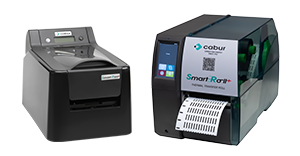


The new version 2.7.2.5 includes two important new features for creating QR codes and transferring data between PCs.
In fact, it is now possible to:
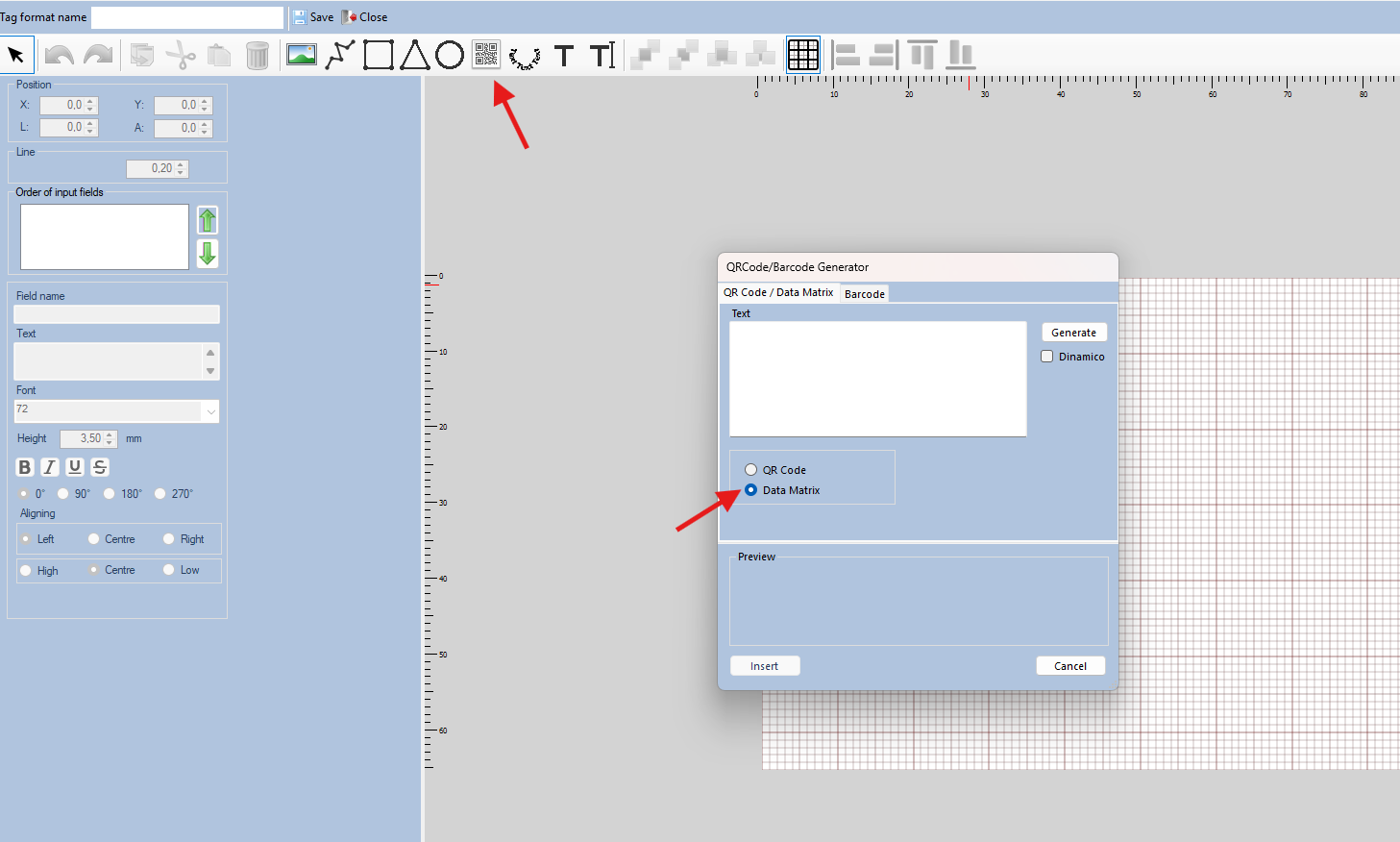
- create new DATAMATRIX codes, in addition to the existing QR CODE and BAR CODE options, allowing for even greater precision and data readability.
To proceed, simply click on the QR CODE button at the top and then select “Data Matrix”: at this point you can create a definitive code or an editable field that allows you to generate a different DATA MATRIX each time.
- Export all Marking Pro XT parameters set on a PC and import them to a new workstation.
With just a few simple clicks, you can transfer your favorites, General Offset, individual code Offsets, modular strip parameters, and much more to another PC with the software installed.Just go to “File” and then “Import/Export Settings”.
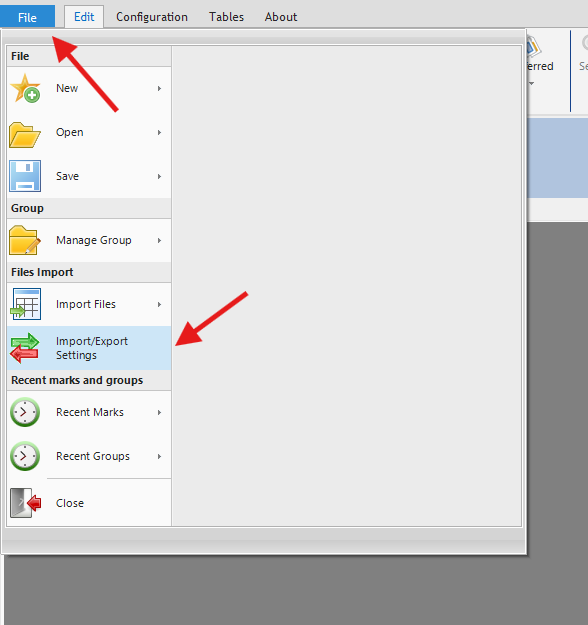
At this point, by selecting “Export”, the file to be imported on the new station* will be created and that’s it!*(Marking Pro XT software version 2.7.2.5 must already be installed and registered on the new workstation.)
For new activations or to connect additional printers to Marking Pro XT, simply register on cabur.it and follow the online procedure.
Our Customer Care team is at your disposal for any further support.